PROJECT DESK

Contact Unilumin with a complete display brief

Use the project desk for product qualification, document review and service triage. Include technical context so the request reaches the right workflow.

01

Project qualification

For new walls, send active width and height, viewer positions, ambient-light notes, source formats, daily duty cycle and access constraints.

The review distinguishes confirmed inputs from assumptions, then identifies missing optical, mechanical, electrical and service decisions. It does not select a model from wall area alone.

[email protected]
02

Commercial review

For UC-A40 or price-per-square-meter questions, identify region, quantity, cabinet matrix, controls, mounting, commissioning and commercial terms.

A square-meter comparison is incomplete when one offer includes processing, spares, structure, freight, calibration or site work and another does not. State the currency, tax basis, delivery point and quotation date.

[email protected]
03

Support triage

For an installed system, preserve the configuration and send series identity, firmware reference, screen coordinate, source format and symptom evidence.

Photograph the whole canvas and the affected area, then note the warm-up state, brightness scene and most recent change. Avoid factory reset or bulk module swapping before the baseline is saved.

Open the support checklist
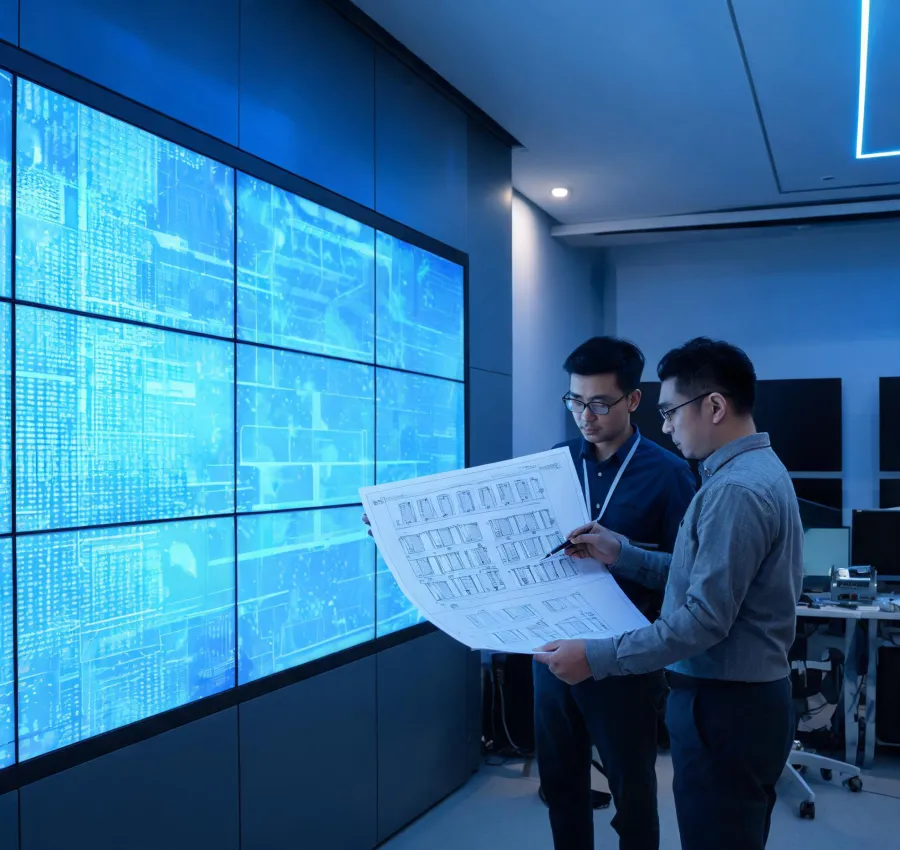
AV project team reviewing an LED wall plan

What to attach

A marked elevation is more useful than an unqualified diagonal size. Add viewer locations, maintenance clearances and the source canvas whenever they are available.

  • Room elevation or wall opening
  • Nearest and typical viewing distance
  • Source resolution and critical content
  • Ambient-light and operating schedule
  • Front or rear service constraints

Project inquiry

Fields are arranged in two columns on desktop and one column on mobile. Submitting the form does not create a performance or delivery commitment.

Do not send passwords, private keys or unnecessary personal data. Technical files should identify their revision and the condition they represent so a later response does not rely on an obsolete drawing or configuration.