Identify
Record model, cabinet position, controller topology, firmware set, source format and the time the symptom first appeared.
Capture the exact series, controller file, firmware reference, source format, operating brightness and visible symptom before changing settings. A structured record reduces guesswork and protects the accepted image baseline.
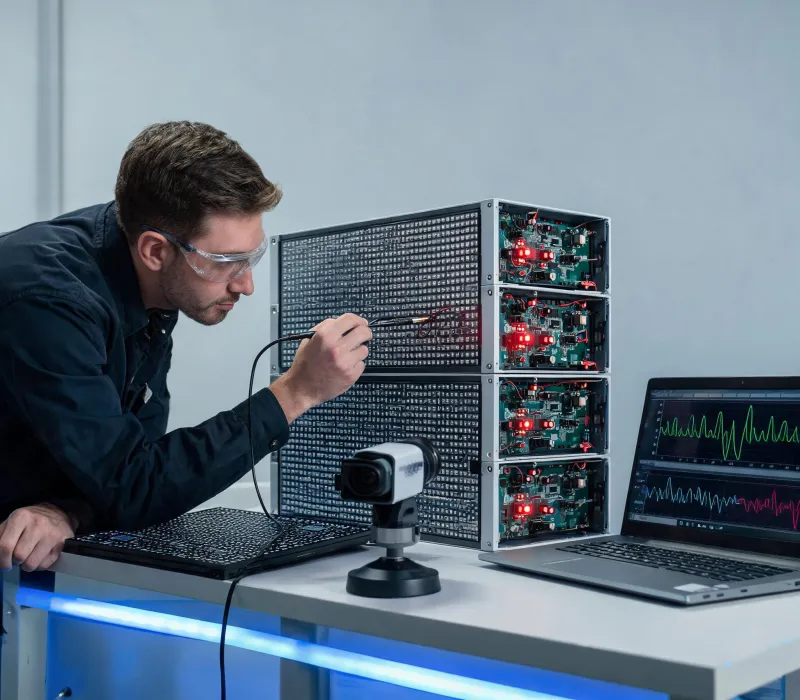
Record model, cabinet position, controller topology, firmware set, source format and the time the symptom first appeared.
Export the current configuration and photograph the visible condition before resetting, remapping or replacing hardware.
Change one variable at a time: source, cable, output, receiver, module, power branch or configuration. Keep each result in the case log.
Repeat the approved image fields after warm-up and compare the same screen zones at the same operating settings.
Archive the final file, replaced part, measurement notes and recovery action so the restored state can be reproduced.
Mark the exact cabinet, module and receiving-card coordinates. A wide photo plus close image prevents location ambiguity.
State input resolution, frame rate, processor output, primary route and backup route. Include any genlock or camera condition.
Log warm-up time, brightness scene, white point, test image and measurement zones. Values without conditions are not comparable.
List firmware, configuration, cable, module or power changes in order, including the observed result after each step.
Provides occurrence time, operating scene, content source and permitted maintenance window.
Checks source timing, processing, signal routing, configuration backups and rack-side recovery.
Checks cabinet seating, interconnects, mounting datum, ventilation path and safe physical access.
Reviews series-specific procedures, evidence, part identity and escalation against current documentation.
Support limitations are explicit: remote review cannot validate structural safety, concealed wiring, environmental sealing or instrument calibration; swapping modules without preserving their positions can hide a mapping fault; factory defaults can erase a known-good configuration; and measurements taken at different brightness or warm-up states cannot establish a reliable comparison.
Send model identity, screen coordinates, source format, configuration reference, photos and the result of each isolated check.